

Change Background Color
Upload a photo – we cut out the subject and put it on the color you choose: white, black, pastel, your brand color or a gradient.
- 100% free
- No sign-up
- Full resolution

or drop a file here, or paste with Ctrl+V
JPG, PNG or WebP · up to 25 MB
Photos are processed on the fly and never stored.
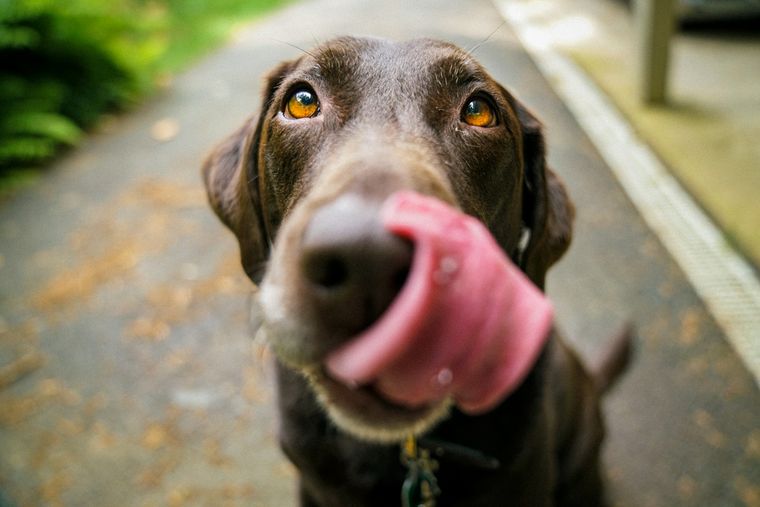
Before and after





How it works
-
Step 1
Upload your photo
Click Upload image, drop a file or paste it with Ctrl+V. JPG, PNG and WebP up to 25 MB are supported.
-
Step 2
Pick a color
The background is removed automatically. Choose a swatch, a gradient or any custom color with the picker.
-
Step 3
Download
Touch up the edges with the brush if needed and save the result as a full-resolution PNG.
Change Background Color
A clean, solid background makes a photo look intentional. Marketplaces ask for it, it looks best on a resume or a team page, and it helps a product or a portrait stand out in a feed. Instead of masking by hand in a photo editor, RemoveBG.io detects the subject automatically – including hair and fine edges – and lets you swap the background color instantly.
Pick one of the ready-made colors and gradients or set an exact shade with the color picker to match your brand. Preview the result, fix any spot with the erase and restore brushes, compare it with the original and download a PNG in the original resolution – free and without signing up.
Precise edges
The AI separates hair, fur and fine details from the background.
Full resolution
Download the result in the original size of your photo, free of charge.
Edit and replace
Erase or restore areas with a brush, add a color, a blur or your own background.
Private
No account needed, and your photos are never stored on our servers.
More free tools
Everything works right in your browser – free and without sign-up.
 Remove background
The AI separates hair, fur and fine details from the background.
 Change Photo Background
Replace the background with your own picture, a gradient or a blur.
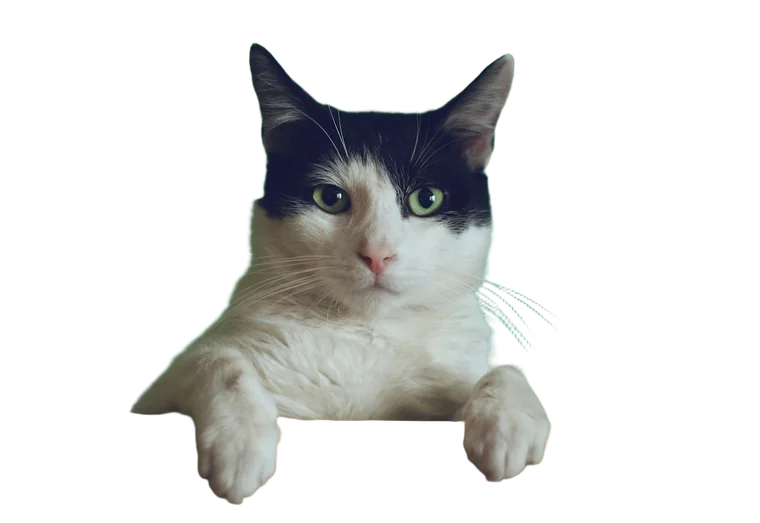 Transparent Background Maker
Make the background transparent and save a PNG with alpha.
 White Background
Pure white backgrounds for listings, documents and profile photos.
 Blur Background
Blur the background behind the subject for a portrait look.
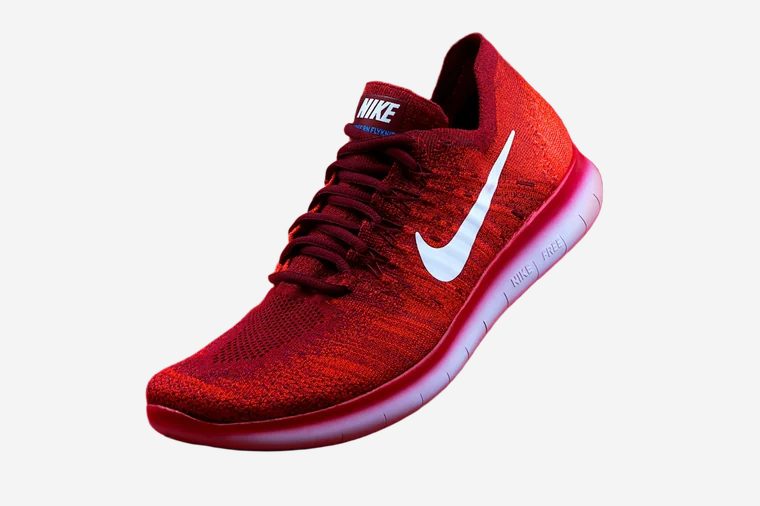 Product Photo Background
Clean product shots for online stores and marketplaces.
Frequently asked questions
How do I change the background color of a photo?
Upload the photo on this page. The background is removed automatically; then click a color swatch or open the color picker to choose any shade, and download the image when you are happy with it.
Can I use an exact HEX color for my brand?
Yes. Click the custom color swatch and enter the exact value in the color picker – the preview updates instantly.
Will the quality of my photo be reduced?
No. The result is saved in the original resolution of your photo (up to about 16 megapixels on a computer).
Is it really free?
Yes. Changing the background color is completely free, with no watermark and no account required.