

Make Photo Background White
Put your product or portrait on a clean, pure white background in one click – no studio, no lightbox, no editing skills.
- 100% free
- No sign-up
- Full resolution


or drop a file here, or paste with Ctrl+V
JPG, PNG or WebP · up to 25 MB
Photos are processed on the fly and never stored.
Before and after


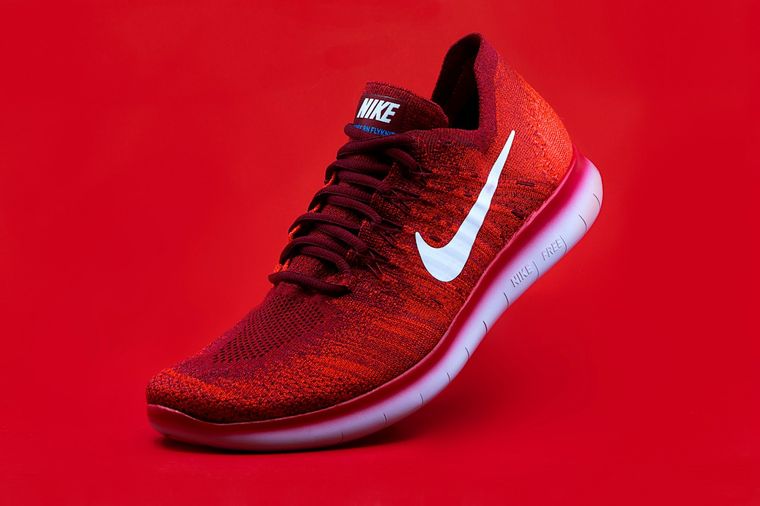
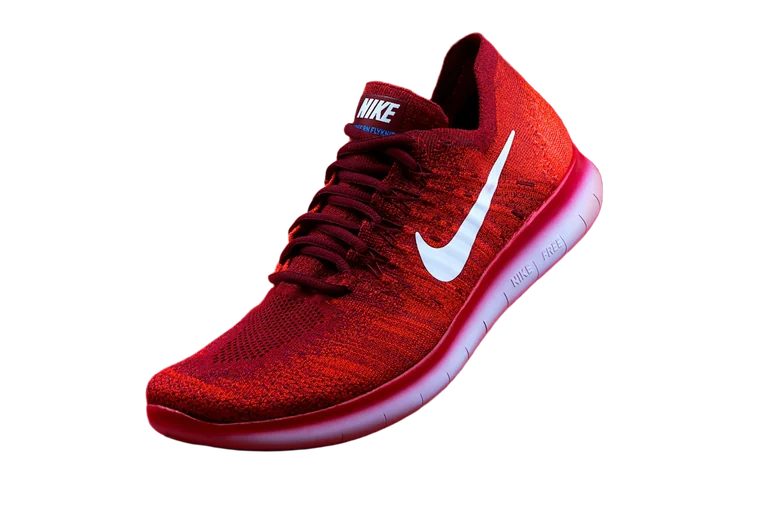
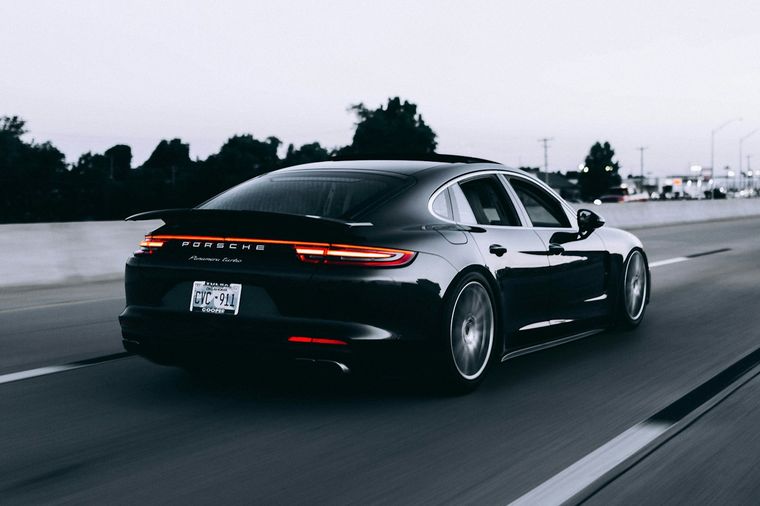
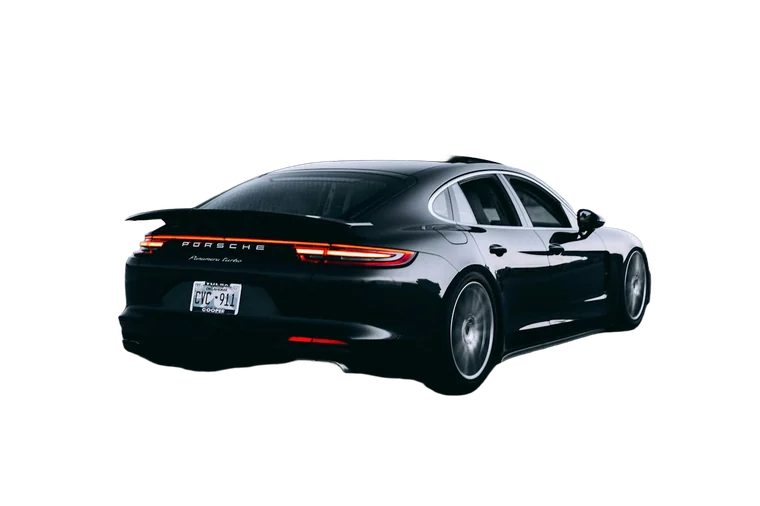
How it works
-
Step 1
Upload your photo
Use a product shot, a portrait or any picture with a clear subject.
-
Step 2
Get the white background
The background is removed and replaced with pure white automatically.
-
Step 3
Download
Refine the edges if needed and download the image in full resolution.
White Background
A white background is the standard for e-commerce listings, catalogs, CVs and many official forms. It removes distractions and puts all the attention on the subject. Getting a truly white background with a camera is hard – shadows, uneven light and wrinkles show up immediately. RemoveBG.io does it digitally: the subject is cut out and placed on pure white (#FFFFFF).
The edges stay smooth, hair and fine details are preserved, and the image is saved in the original resolution. If the tool misses a spot, the erase and restore brushes fix it in seconds.
Precise edges
The AI separates hair, fur and fine details from the background.
Full resolution
Download the result in the original size of your photo, free of charge.
Edit and replace
Erase or restore areas with a brush, add a color, a blur or your own background.
Private
No account needed, and your photos are never stored on our servers.
More free tools
Everything works right in your browser – free and without sign-up.
 Remove background
The AI separates hair, fur and fine details from the background.
Remove background
The AI separates hair, fur and fine details from the background.
 Change Background Color
Put your subject on any solid color or gradient in one click.
Change Background Color
Put your subject on any solid color or gradient in one click.
 Change Photo Background
Replace the background with your own picture, a gradient or a blur.
Change Photo Background
Replace the background with your own picture, a gradient or a blur.
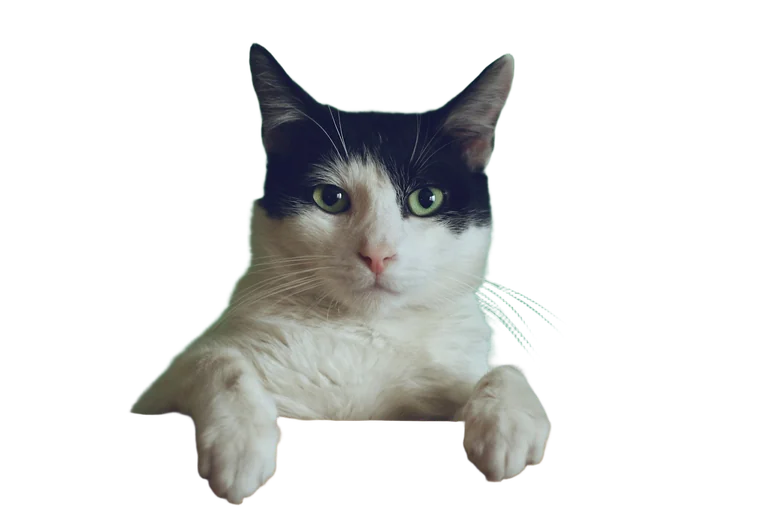 Transparent Background Maker
Make the background transparent and save a PNG with alpha.
Transparent Background Maker
Make the background transparent and save a PNG with alpha.
 Blur Background
Blur the background behind the subject for a portrait look.
Blur Background
Blur the background behind the subject for a portrait look.
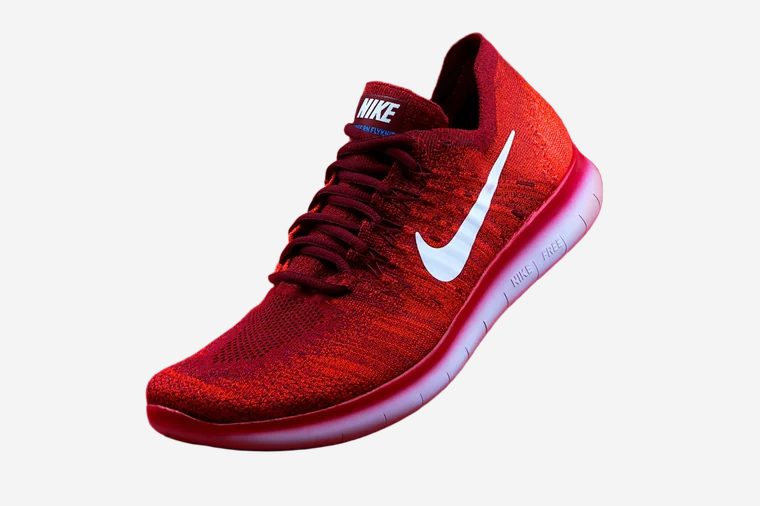 Product Photo Background
Clean product shots for online stores and marketplaces.
Product Photo Background
Clean product shots for online stores and marketplaces.
Frequently asked questions
Is the background pure white?
Yes, the background is exactly #FFFFFF (RGB 255, 255, 255), which is what marketplaces like Amazon require for main product images.
Can I use it for passport or ID photos?
The tool makes the background white, but official photos also have strict rules for size, head position and lighting. Check the requirements of your country before submitting the photo.
Does it work for products with white parts?
Yes. The AI separates the object by shape, not only by color. For very light products, compare the result with the original and restore any area that was removed by mistake.
How much does it cost?
Nothing. White backgrounds are free, with no watermark and no sign-up.