

Product Photo Background Remover
Clean, consistent product images for your store – cut out the item and put it on white, a brand color or a transparent background.
- 100% free
- No sign-up
- Full resolution


or drop a file here, or paste with Ctrl+V
JPG, PNG or WebP · up to 25 MB
Photos are processed on the fly and never stored.
Before and after
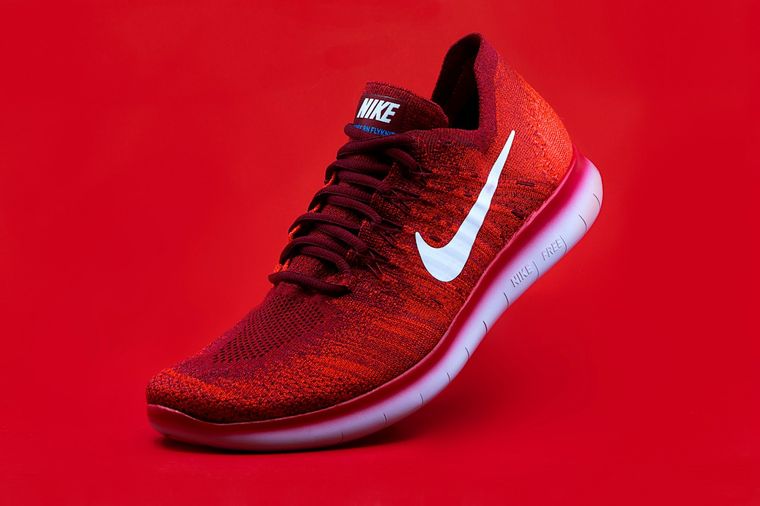
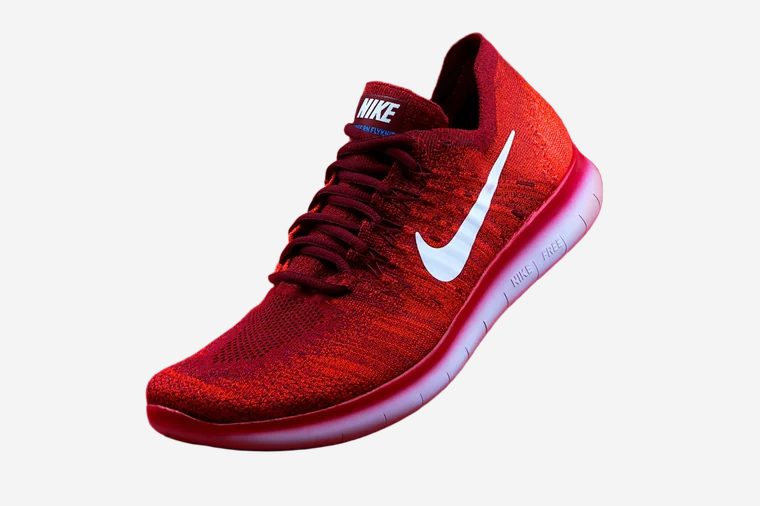
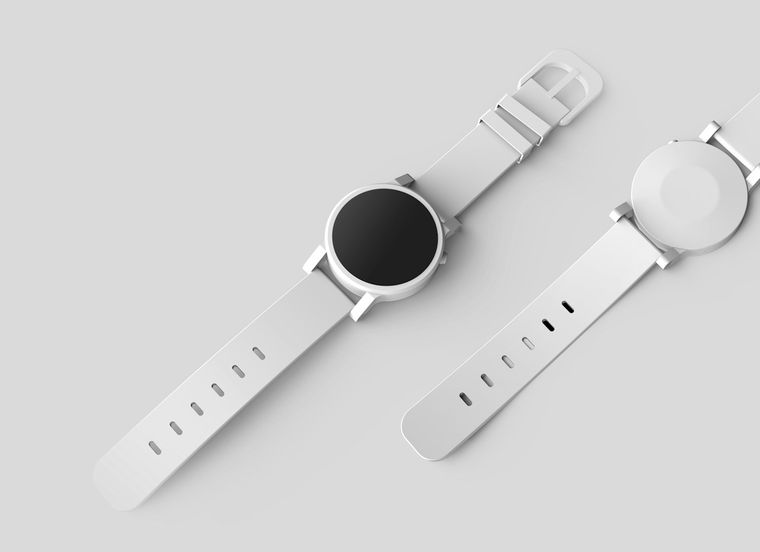
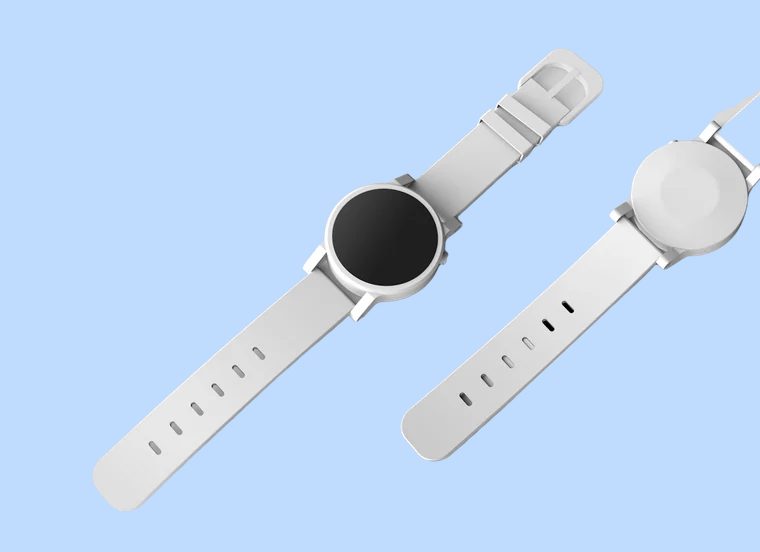
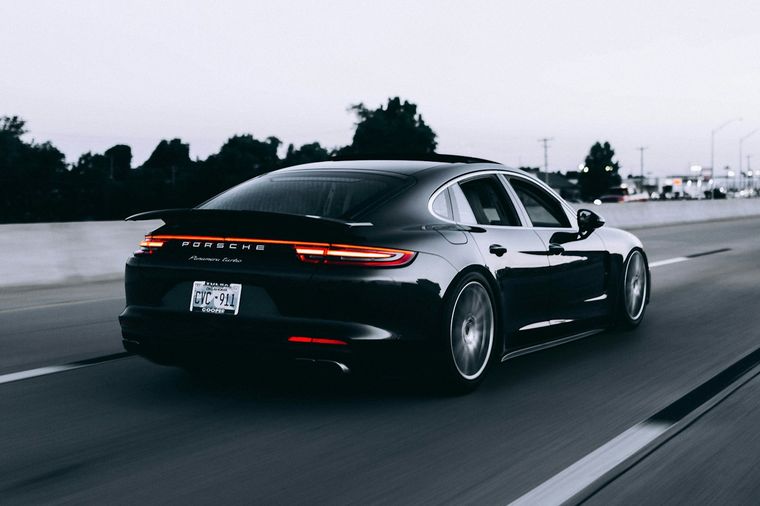
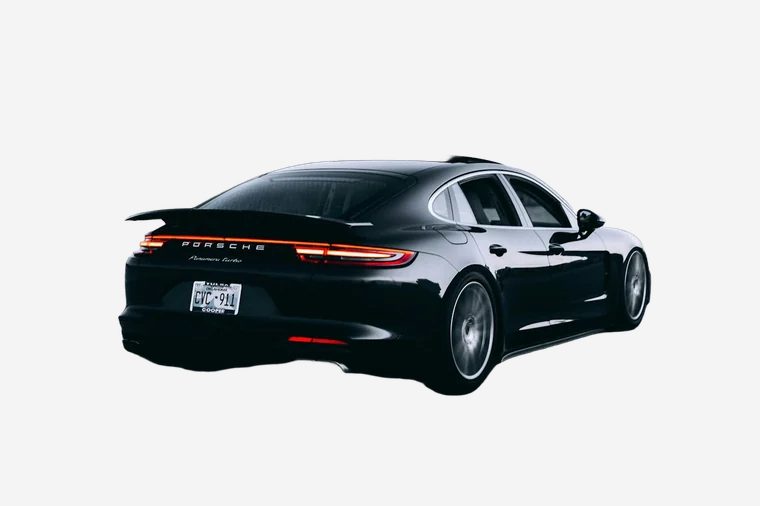
How it works
-
Step 1
Upload a product photo
Shoot the product in good light with some space around it and upload the photo.
-
Step 2
Choose the background
White is set automatically. Switch to transparent, gray or any brand color.
-
Step 3
Download
Touch up the edges if needed and download a full-resolution PNG for your store.
Product Photo Background
Good product photos sell. Shoppers compare items side by side, and a clean, consistent background makes a catalog look professional and trustworthy. Most marketplaces also require a plain white background for the main image. RemoveBG.io turns a quick phone shot on a table into a ready-to-use listing photo in seconds.
The tool handles shoes, clothes, bags, gadgets, cosmetics, furniture and cars. Choose white for marketplaces, a light gray or your brand color for your own store, or a transparent PNG for banners and ads. Every image is saved in full resolution without watermarks.
Precise edges
The AI separates hair, fur and fine details from the background.
Full resolution
Download the result in the original size of your photo, free of charge.
Edit and replace
Erase or restore areas with a brush, add a color, a blur or your own background.
Private
No account needed, and your photos are never stored on our servers.
More free tools
Everything works right in your browser – free and without sign-up.
 Remove background
The AI separates hair, fur and fine details from the background.
Remove background
The AI separates hair, fur and fine details from the background.
 Change Background Color
Put your subject on any solid color or gradient in one click.
Change Background Color
Put your subject on any solid color or gradient in one click.
 Change Photo Background
Replace the background with your own picture, a gradient or a blur.
Change Photo Background
Replace the background with your own picture, a gradient or a blur.
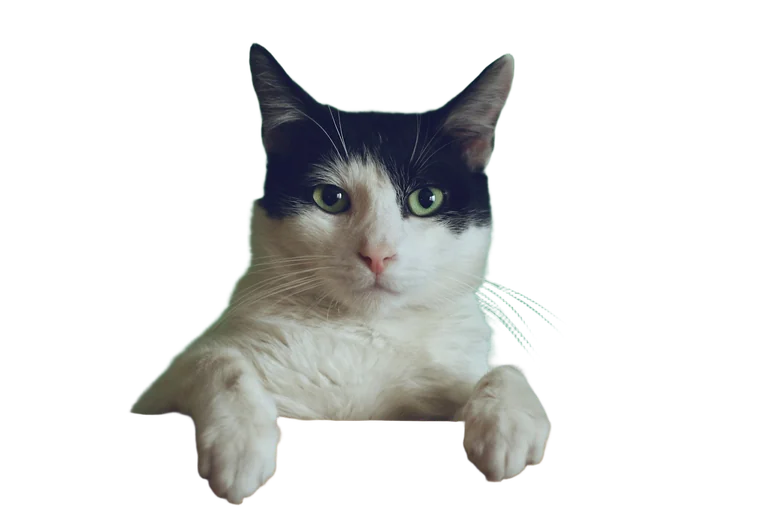 Transparent Background Maker
Make the background transparent and save a PNG with alpha.
Transparent Background Maker
Make the background transparent and save a PNG with alpha.
 White Background
Pure white backgrounds for listings, documents and profile photos.
White Background
Pure white backgrounds for listings, documents and profile photos.
 Blur Background
Blur the background behind the subject for a portrait look.
Blur Background
Blur the background behind the subject for a portrait look.
Frequently asked questions
Which background is best for marketplaces?
Amazon, eBay and most marketplaces require or recommend pure white (#FFFFFF) for the main image. For your own store or ads, a transparent PNG gives you the most flexibility.
Can I process many product photos?
Yes. Each photo takes only a few seconds – click New image after downloading to process the next one. There is no daily limit for normal use.
What about glass, jewelry and shiny products?
Reflective and see-through items are the hardest to cut out. Shoot them on a plain contrasting background and use the restore brush to bring back any missing parts.
Is the original shadow kept?
No, the shadow is removed together with the background. For a natural look, choose a light gray background or leave some space around the product.